RTX 5070/5080/5090 HDMI 2.1 GPU Into the Living Room
Experience 4K 240Hz gaming in the living room with the RTX 5090, DLSS 4, and a 20M Ruipro HDMI 2.1 Fibre Optic cable — the ultimate PC-to-living-room setup.

The RTX 50 series has finally arrived, and I was fortunate enough to secure an RTX 5090 at launch. With DLSS 4, Multi Frame Generation, and the raw horsepower of NVIDIA's Blackwell architecture, I knew I had to bring this beast into the living room and push my OLED TV to its limits with HDMI 2.1 at 4K 240Hz.
The 50 series brings generational leaps: PCIe 5.0 support, DisplayPort 2.1, and dramatically improved ray tracing cores. But the real game-changer for living room setups is the combination of DLSS 4's transformer-based upscaling and the full 48Gbps HDMI 2.1 pipeline — delivering uncompromised 4K at high refresh rates that were simply unattainable in the previous generation.
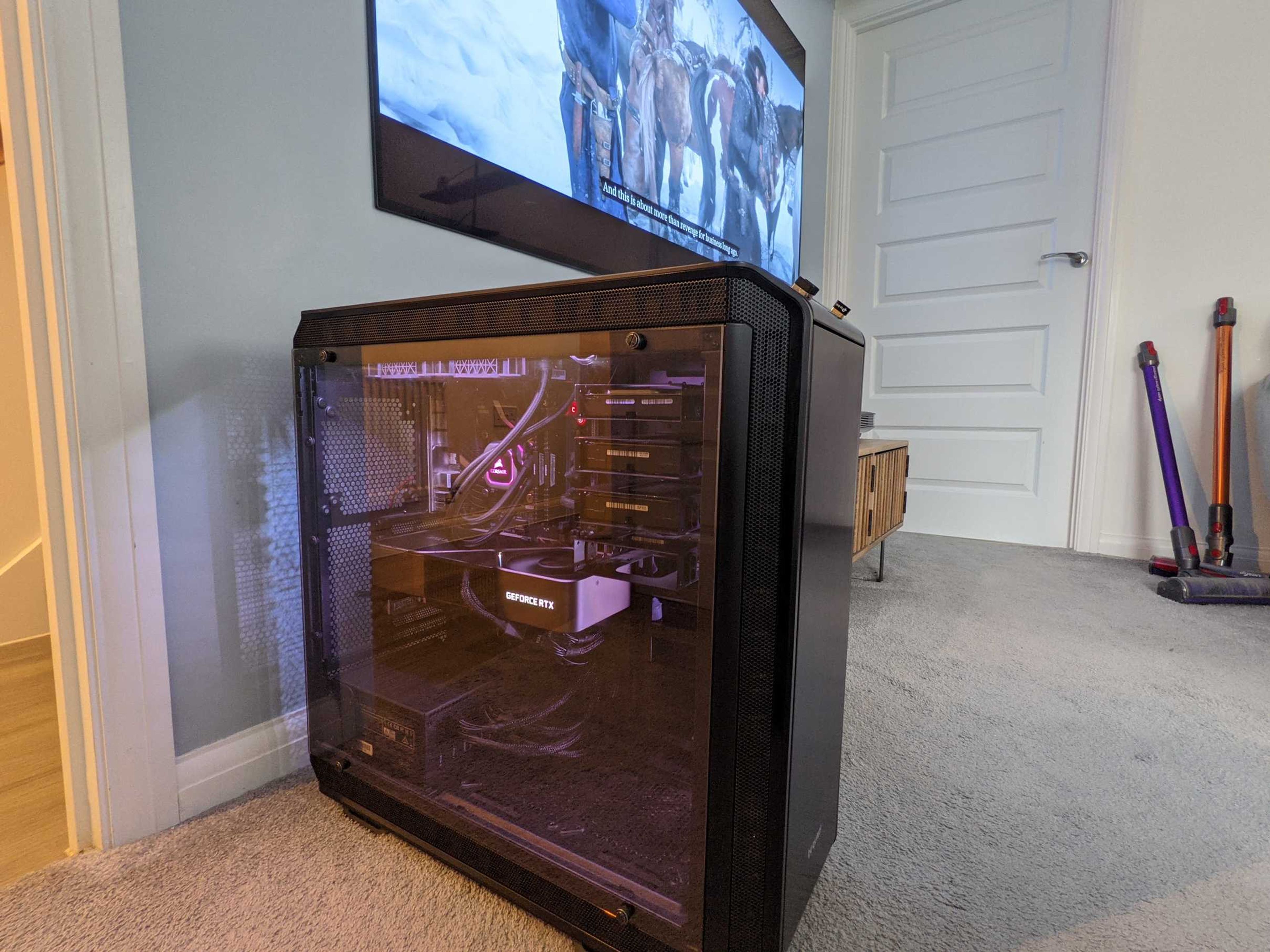
The problem was the same as before — my gaming PC lives in the office upstairs, and my other half still isn't keen on having a full tower permanently stationed in the living room. Game streaming via GeForce Now or Steam Link has improved dramatically, but even with the Ultimate tier, you're capped at 4K 120Hz and will always face some degree of compression and latency compared to a native connection.
I still want to use my Ultrawide LG 38GL950 for productivity and competitive multiplayer, so keeping the PC in the living room permanently isn't an option. The 5090's dual encoder also means I can capture or stream gameplay at exceptional quality while still pushing frames to the living room display — a huge upgrade over the 30 series for content creators.
PC Gaming in the Living Room — Elevated by Blackwell
Using a 50 series GPU in the living room is transformative. Playing cinematic single-player titles like Cyberpunk 2077 with path tracing and DLSS 4's Multi Frame Generation from the comfort of the sofa on a big OLED screen is an experience that rivals — and honestly surpasses — anything the current console generation can deliver. The 5090 chews through 4K gaming effortlessly, often hitting frame rates that make full use of 144Hz and even 240Hz panels.
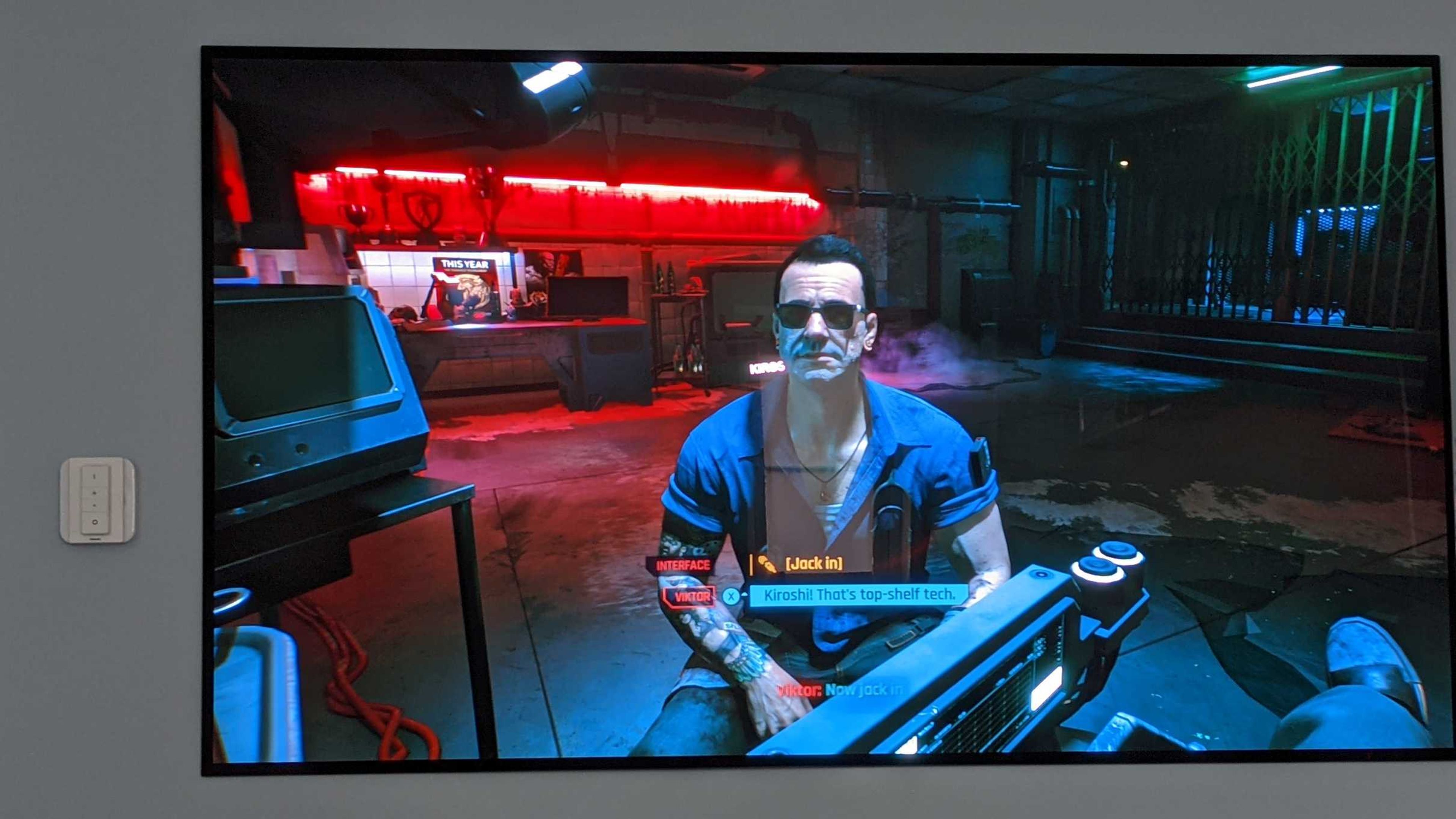
I could have bought the latest console, but why settle for less when the 50 series gives you the best of both worlds? Windows 11 with Dolby Atmos support, the ability to alt-tab to a browser, and full mod support — the PC remains the ultimate living room gaming machine if you're willing to put in the cabling work. And with the 5090's 32GB of GDDR7 VRAM, you're future-proofed for years to come.
Ruipro HDMI 2.1 Fibre Optic Cable — Still the Gold Standard
To make a long-distance 50 series setup work, you need a cable that can handle the full 48Gbps HDMI 2.1 bandwidth. I reached out to Ruipro — the brand that proved itself with the 30 series build — and they sent over their latest 20-metre fibre optic HDMI 2.1 cable for this updated setup.
Ruipro's Gen3 8K HDMI 2.1 cable has been proven to work flawlessly with the latest OLED TVs including the LG G4, C4, and the newest 2025/2026 models
The cable is impressively thin and flexible — ideal for routing through walls, under floors, and across loft spaces. It's rated for 8K 60Hz and 4K 240Hz, meaning even the 5090's full output potential is covered.
Before committing to the permanent install, I tested the cable by running it across the floor from my office to the living room TV. As expected from Ruipro, the signal was rock solid from the first boot.
Testing thoroughly before burying cables in walls is essential — especially with fibre optics, where a single kink or sharp bend can ruin the entire run.
Everything You Need for the Ultimate 50 Series Living Room Setup
Using the HDMI diagnostics, I confirmed the cable was delivering 4K at 240Hz with G-Sync enabled and 4:4:4 12-bit chroma subsampling. The 5090's HDMI 2.1 output, combined with the Ruipro cable, sustained the full 48Gbps bandwidth flawlessly over a 20-metre distance — something no copper HDMI cable can achieve at that length.
With the 50 series supporting DLSS 4 and Reflex 2, the living room gaming experience is smoother than ever. The combination of high refresh rate, G-Sync, and ultra-low latency means you genuinely forget you're playing on a PC that's two floors away.
Extending the USB Connection — Peripherals Without Compromise
For controller support, I'm using the Microsoft Wireless Xbox Controller adaptor — it remains the most reliable low-latency solution for PC gaming from the sofa, outperforming standard Bluetooth connections.
To connect my wireless keyboard, mouse, and the Xbox controller adaptor from the living room back to the PC upstairs, I needed a reliable USB extension solution over the same distance.
The Ezcoo USB over Ethernet extender proved to be the perfect solution — it lets me plug any USB device into a receiver box in the living room which connects back to the PC via standard Cat6 Ethernet.
Setup couldn't be simpler: one box is powered by a DC adapter to ensure connected USB devices receive adequate power, while the other box connects directly to the PC via USB and both boxes are linked together with a single Ethernet cable.
Since I already have Ethernet running throughout the house from a previous professional installation, I was able to leverage the existing wiring to connect the USB extenders. If you don't have structured cabling, running an Ethernet cable alongside the fibre HDMI is straightforward during installation.
I've tested the USB extender extensively with a mouse, keyboard, and Xbox wireless controller adaptor — across multiple long gaming sessions. Not a single dropout or disconnection. The Ezcoo unit has been absolutely solid.
For the permanent installation, I fed the Ruipro fibre HDMI cable from my office through existing conduit into the loft space. Using electrical rods, I guided the cable across the loft and down into the comms cupboard, then through the floor void into the partition wall behind the living room TV.
Throughout the entire installation, I was careful to avoid any tight bends or kinks — fibre optic cables are far more delicate than copper and can be permanently damaged by sharp angles.
Pro tip: always test the full cable run before sealing up walls. Fibre HDMI cables are directional — make sure the source and display ends are oriented correctly before the final install.
Conclusion: The 50 Series is the Ultimate Living Room GPU
With the RTX 5090, DLSS 4, and the Ruipro fibre HDMI cable, I've built what I genuinely believe is the ultimate living room gaming setup for 2026. The PC stays in the office — no fan noise, no RGB glow disturbing movie night — while I enjoy native 4K 240Hz gaming with zero latency, zero compression artefacts, and full G-Sync support. The 50 series' generational improvements in ray tracing and AI-powered frame generation make every title look and feel spectacular on a big OLED screen.
Whether you're running a 5070, 5080, or the flagship 5090, the same principles apply — invest in a quality fibre optic HDMI cable, sort out your USB extension, and you'll have a console-beating living room experience that takes full advantage of NVIDIA's Blackwell architecture. The 50 series was made for the big screen.
A special thanks to Ruipro and Ezcoo for providing the hardware that made this project possible. The Ruipro cables are available on Amazon and through their official store — they're not cheap, but they remain the only fibre HDMI cables that consistently deliver full 48Gbps bandwidth with 100% compatibility across the latest HDMI 2.1 displays and GPUs.
The cables range from 1 metre all the way to 30 metres, and Ruipro's customer support continues to be outstanding. If you're serious about a long-distance HDMI 2.1 setup for your 50 series GPU, this is the cable to buy.
The Ezcoo USB over Ethernet extender is also available on Amazon at a reasonable price. There are cheaper alternatives, but after months of testing, this unit has proven to be the most reliable — no dropouts, no weird driver issues, just solid USB connectivity from one end of the house to the other.
Where to Buy

RUIPRO 8K Fiber Optic HDMI 2.1b Cable 48Gbps 8K60Hz 4K120Hz Dynamic HDR eARC HDCP2.2/2.3 (Crystal 8K Certified Fiber)
COUPON: AHAAN for 5% off your order. RUIPRO Crystal 8K Fiber HDMI Cable UHS Certified HDMI2.1b Cable is the first true 8K@60Hz for long reach HDMI interconnection solution on the market, allowing home theatre, gaming enthusiasts, audio visual users, large venue system designers, installers and home enthusiasts to ensure their cabled infrastructure is ready for HDMI 2.1b.

RUIPRO 8K Fiber Optic HDMI Cable
COUPON: AHAAN for 5% off your order. RUIPRO 8K Fiber Optic HDMI Cable 10M Ultra High Speed HDMI 2.1 48Gbps 8K@60Hz 4K@120Hz Dynamic HDR/eARC/HDCP 2.2 / 3D for HDTV/Projector/Home Theatre/TV Box/Gaming Box : Amazon.co.uk: Electronics & Photo - Save 5% with coupon code AHAAN


